Expense management that feels effortless for everyone.
Automated expense management that keep receipts, policy checks and accounting prep moving with less manual work.


Capture receipts, draft memos, and approve in real time.
Free your team from manual work.
The old way.

The Ramp way.
Set controls before a dollar is spent.
Give employees company cards with policies built in, so you can prevent unapproved spend before a dollar leaves the business.

Apply your policy to every purchase.

Keep controls consistent as you grow.

Route requests to the right approver.
Say goodbye to manual expense reporting.
Submitting expenses shouldn’t be getting in the way of work.

Capture receipts in real time.

Take the guesswork out of your policy.
Review only the exceptions.
Policy Agent checks spend against the rules you set and surfaces what needs finance’s attention.
Catch out-of-policy spend without reviewing every line.
Ramp’s policy agent reviews 100% of expenses against your expense policy to help you approve what’s complaint and flag what needs attention, so finance can focus on exceptions and maintain oversight.

Set policies employees can follow.
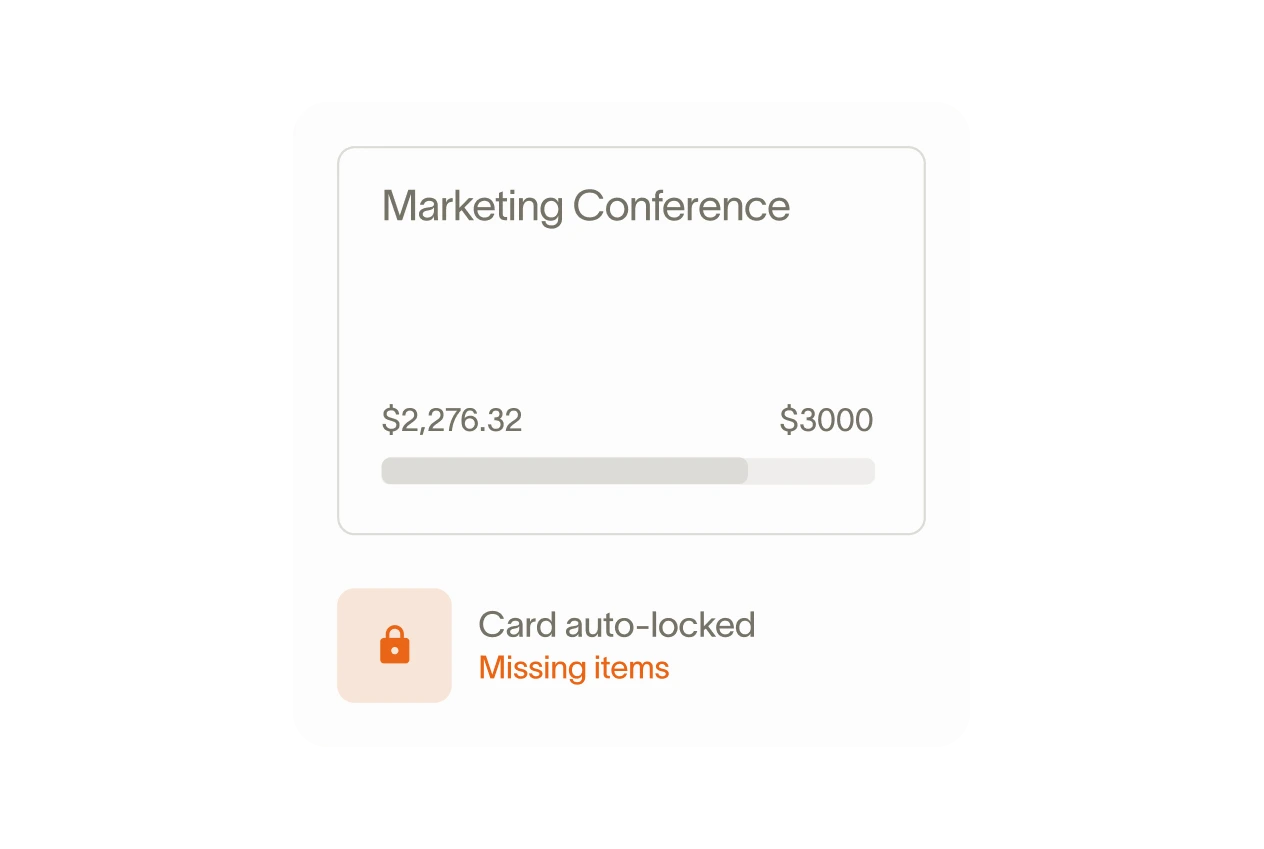
Enforce policies without the hassle.

Connect expenses to your accounting system.
See what’s happening before month-end.
Track spend against budgets and break it down by supplier, team, project or accounting dimension.

Spot risky behaviours before they become issues.
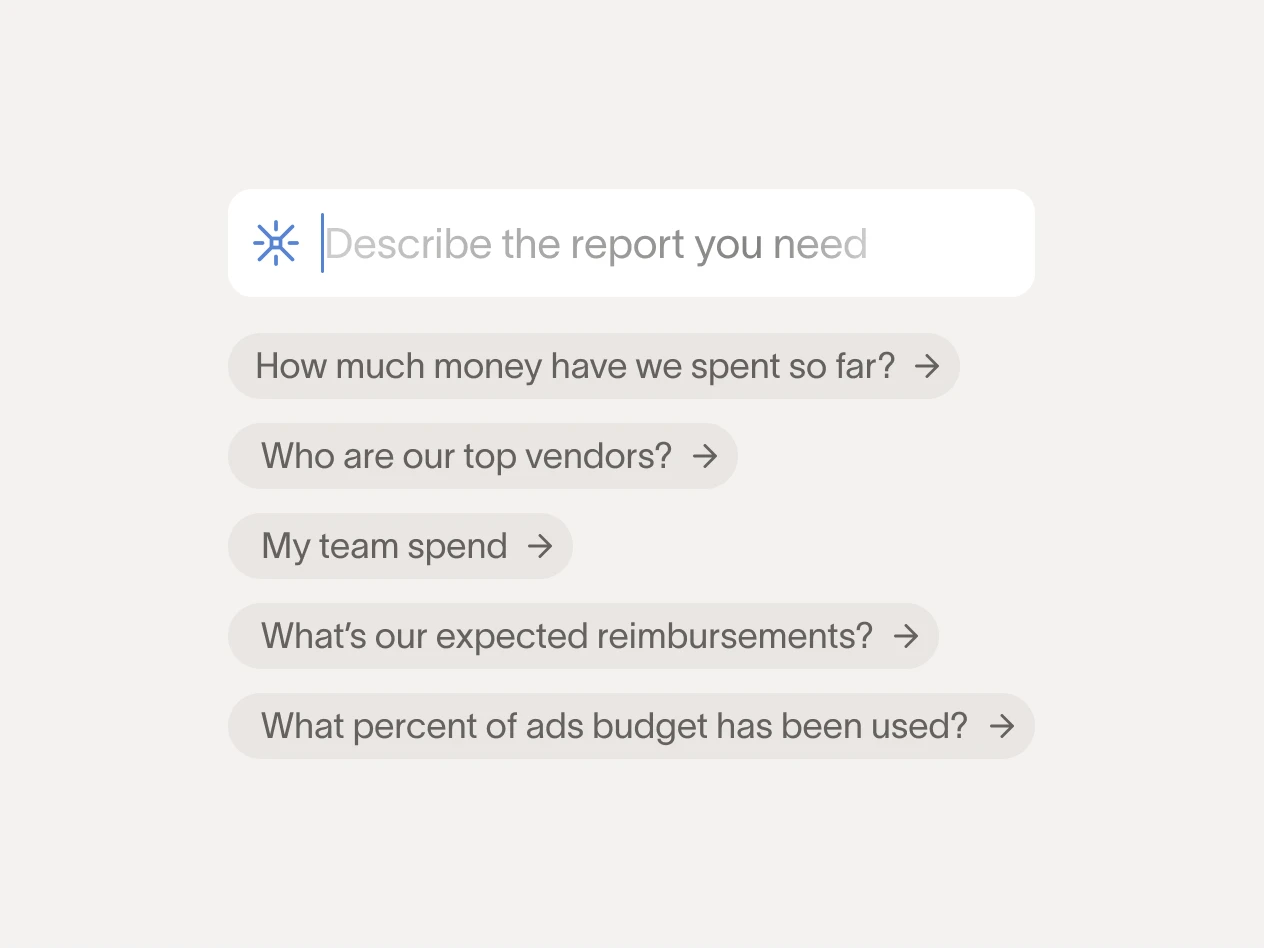
Get instant answers on spend.
FAQ
Expense management software automates the process of recording, approving, and reimbursing employee business expenses. Instead of collecting paper receipts and entering data into spreadsheets, employees submit expenses digitally. This way receipts are captured and categorized, approvals are routed to the right person, and reimbursements are processed in one system.
Ramp brings this to Canadian businesses with OCR receipt capture, automated policy enforcement, and direct sync to NetSuite, QuickBooks Online, Zero, Sage Intacct, and Microsoft Business Central with GST, HST, and PST coded automatically.
Check whether the platform actually supports Canadian tax and currency requirements. Many global expense tools don't handle GST, HST, or PST coding natively, which means your finance team is left doing it manually at month-end.
Beyond that, look for receipt capture, approval workflows, reimbursement processing in CAD, and a direct integration with your automated accounting software.
Ramp supports all of these for Canadian businesses, with automated GST, HST, and PST tax coding across QuickBooks Online, Xero, NetSuite, Sage Intacct, and Microsoft Business Central.
When an employee submits an out-of-pocket expense, Ramp captures the receipt, routes it through your approval workflow, and processes the reimbursement in CAD directly to their bank account.
Ramp also supports reimbursements to 65+ countries for Canadian businesses with international teams. The full process—submission, approval, coding, and payment—stays inside one platform. Read more about Ramp's all-in-one corporate card for Canadian teams.
Ramp reads receipts using OCR, identifies the provincial tax amount, and maps it to the correct tax code in your accounting software—whether that's QuickBooks Online, Xero, Microsoft Business Central, NetSuite, or Sage Intacct.
Canadian finance teams get expenses coded in real time instead of manually reconciling HST, GST, PST, and QST taxes at month-end.