 CMiC Integration
App description
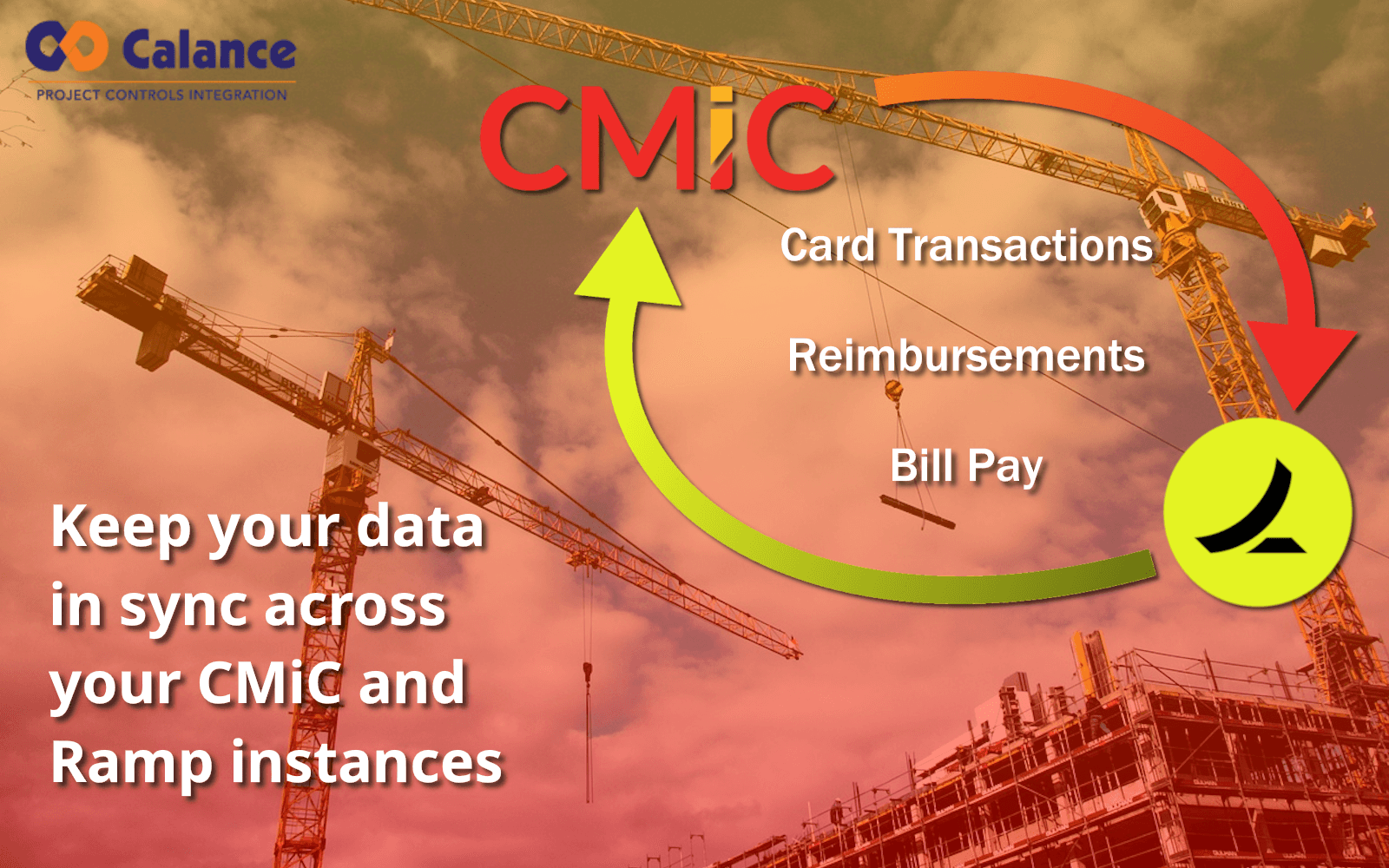
The CMiC Integration app allows your Ramp account to communicate with your instance of CMiC, automatically pulling in accounting data such as jobs, phases, vendors, subcontracts and more to be used for coding expenses. Coded transactions, reimbursements and bills may easily be synced into CMiC through the Ramp user interface.
Features:
- Import accounting data from CMiC on a configurable schedule.
- Job cost, equipment cost, AP, vendor and subcontract records are supported.
- The key players on your projects will be mapped as job approvers in Ramp for use in approval policies.
- Use imported data to code expenses in Ramp:
- Transactions
- Reimbursements
- Bill Pay (with or without PO-matching)
- Send expenses into CMiC through Ramp's UI.
- Receipt and invoice attachment syncing is supported
The integration leverages Calance's Dimension integration platform, providing a streamlined onboarding interface, flexible configuration and real-time monitoring.
Security and compliance
Only the main integration development team at Calance US will have access to the data.
Clients and developers can review the integration history in the Dimension middleware. An integration may perform actions such as creating, updating, or deleting data; integration records that have performed any of these actions, or errored while attempting to do so, will never be deleted. However, integrations that did not affect any data or only reported warnings will be deleted after one year. Every integration process also generates a single log file in our S3 instance, which are never deleted.
https://www.calanceus.com/privacy-policy
SOC 2 TYPE 2.
Discover more integrations
Ramp integrates with all your existing software so you can manage your business with ease—from one place.