 Everest Integration
App description
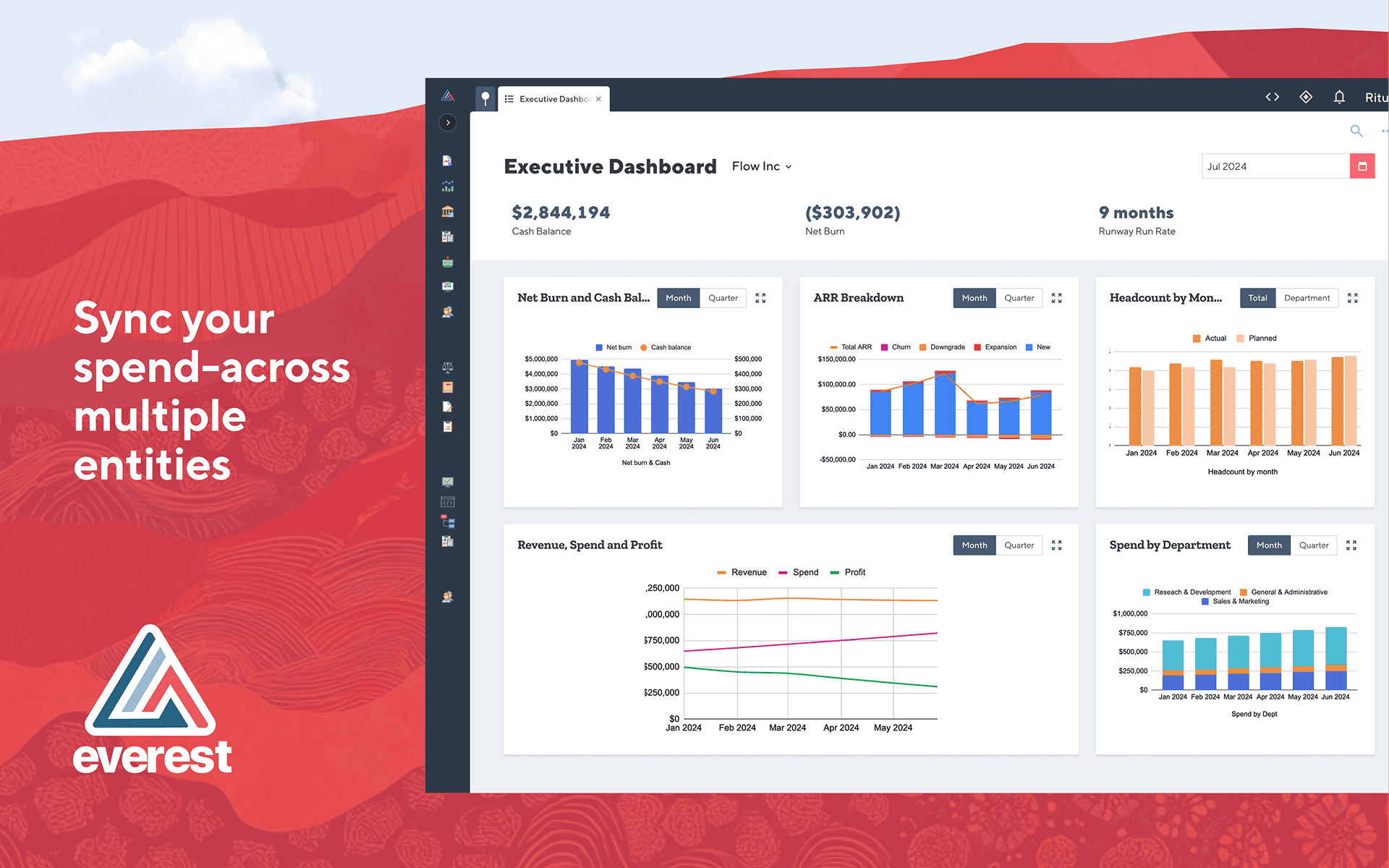
Our Ramp integration keeps spend in sync—across multiple entities—and posts accounting impact automatically, so you close faster without manual CSVs. Simply mark your transactions as “ready for sync” and watch them sync real-time.
- Full transaction syncs: bills, employee expenses, payments, card transactions, and statement payments sync, eliminating manual journals
- Linking Everest and Ramp transactions: once transactions have been synced, you can deeplink back and forth between Everest and Ramp
- Dimensions that travel: Map departments, business units, customers/projects, and other custom fields from Ramp for rich reporting and allocations.
- Built for multi-entity: Per-entity default accounts and a configurable sync start date ensure correct ledger impact across your org.
- AI where it matters: Once data lands in Everest, finance teams can use AI-assisted flux explanations and close accelerators to spot variances and move faster—capabilities you won’t get from GL-only add-ons.
Security and compliance
Access to customer tenants is controlled by strict access control on an need-to-know basis. User Access to their Everest tenant is controlled by the customer. If access is required for support or integration support cases, customer has to explicitly grant access to Everest employees.
Retention of the data that the customer enters into the Everest system is defined by the customer as she is the owner of the data. Everest provides features e.g. to manage deletion of PII data if required by the customer. After finishing a contract, Everest would delete the customers data as regulated in our contracts.
https://everest-systems.com/why/security/
SOC 2 TYPE 2
ISO 27001
Discover more integrations
Ramp integrates with all your existing software so you can manage your business with ease—from one place.